
Adobe Introduces ‘VideoGigaGAN’ Tool That Makes Very Blurry Videos High-Res
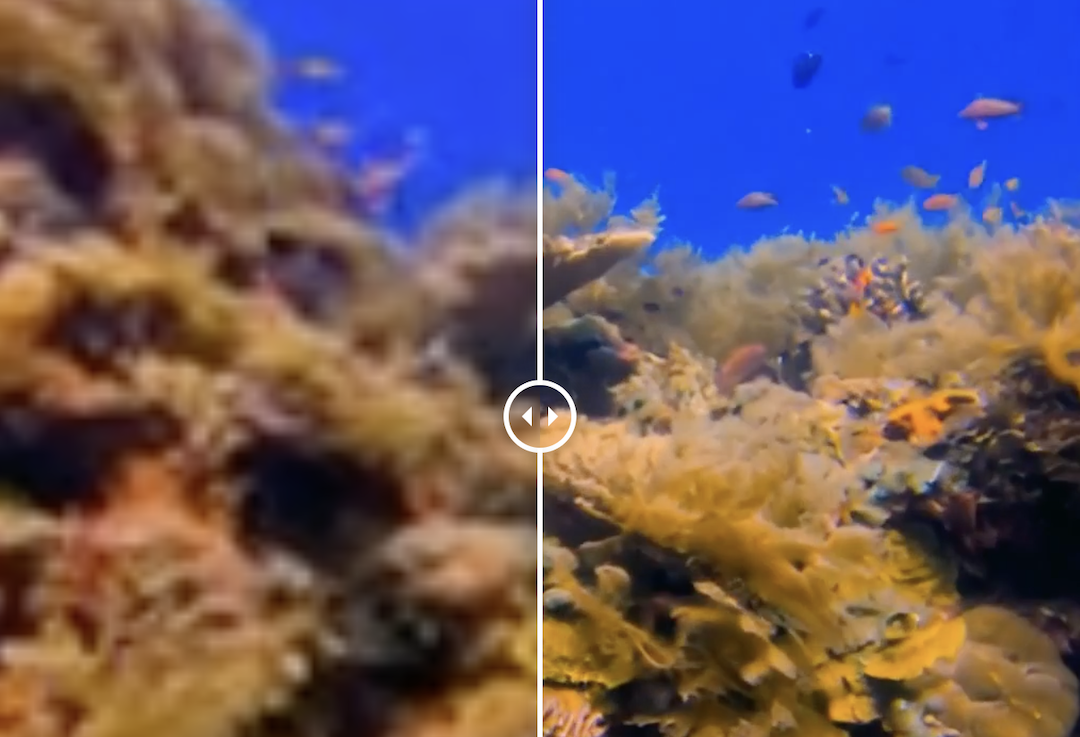
Video screenshot via VideoGigaGAN
With high-res being the bare minimum these days, you might feel rather underwhelmed when you dig out old home videos to find an astonishingly grainy mess. Perhaps there’s a way to salvage them. Adobe has just introduced VideoGigaGAN, an artificial intelligence model that skillfully upgrades blurry videos to sharp, high-definition quality.
VideoGigaGAN follows up on the success of Adobe’s GigaGAN, an upsampler that significantly enhances image resolution. The new model applies similar concepts to videos, ensuring that details are not just preserved but enhanced, allowing for upscaling of up to eight times the original resolution. A video that starts as a fuzzy 128 x 128 pixels can be transformed into a clear 1024 x 1024 pixel display.
Adobe research drops VideoGigaGAN
— Kris Kashtanova (@icreatelife) April 22, 2024
It allows you to upsample video by 8x with enhanced details.
Paper in comments 👇 pic.twitter.com/7uEiU7bYqw
Keeping video frames consistent as they transition from one to the next—known as maintaining temporal consistency—is a key challenge in video upscaling. Adobe’s researchers tackle this issue with a “flow-guided propagation module” in VideoGigaGAN, which helps ensure that frames are coherent and stable through the upscaling process.
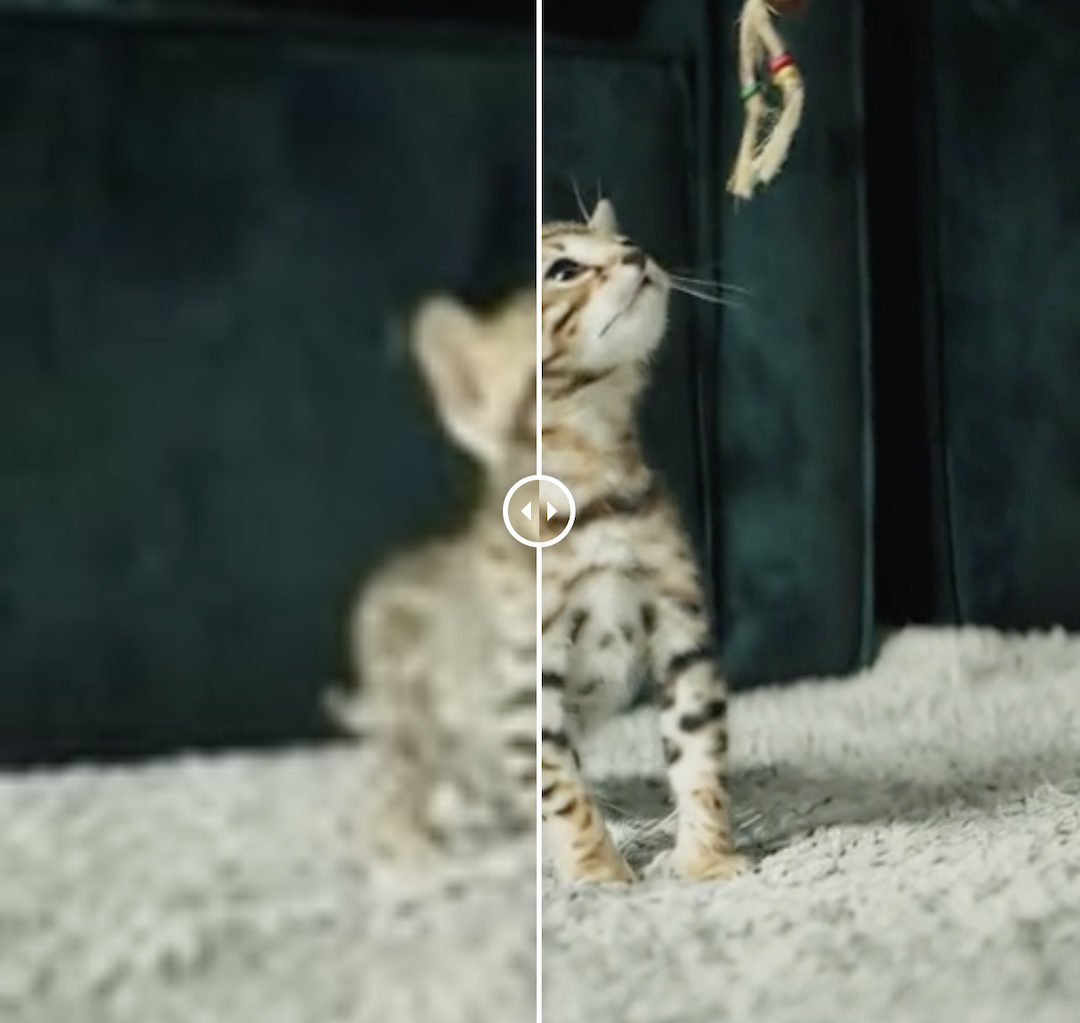
Video screenshot via VideoGigaGAN
To avoid artifacts or the so-called “AI weirdness” that can occur with AI upscaling, Adobe’s team has also incorporated anti-aliasing techniques and what they call high-frequency feature shuttling. These technologies work together to smooth out the upscaled video and handle any unexpected quality drops that might occur during the process.
Adobe drops VideoGigaGAN
— Linus â—á´—â— Ekenstam (@LinusEkenstam) April 22, 2024
Upsample video by 8x using this new video upscaling method with insane results and details.
7 stunning examples below 👇 pic.twitter.com/9K617GbTZb
It’s important to note that some elements of the upscaled videos are computer-generated estimations, such as finer skin details or more defined lines around objects, which the AI adds based on its programming. This means the final product, while clearer, includes some details that the original video did not have.
Masthead service: Adobe introduced VideoGigaGAN neuron that can turn a poor quality video into an HD masterpiece. pic.twitter.com/0i6U4iCQWv
— NEXTA (@nexta_tv) April 24, 2024
While this might one day be an essential tool for video professionals and enthusiasts alike looking to enhance their footage, the creative tech giant has yet to announce when VideoGigaGAN will be available.
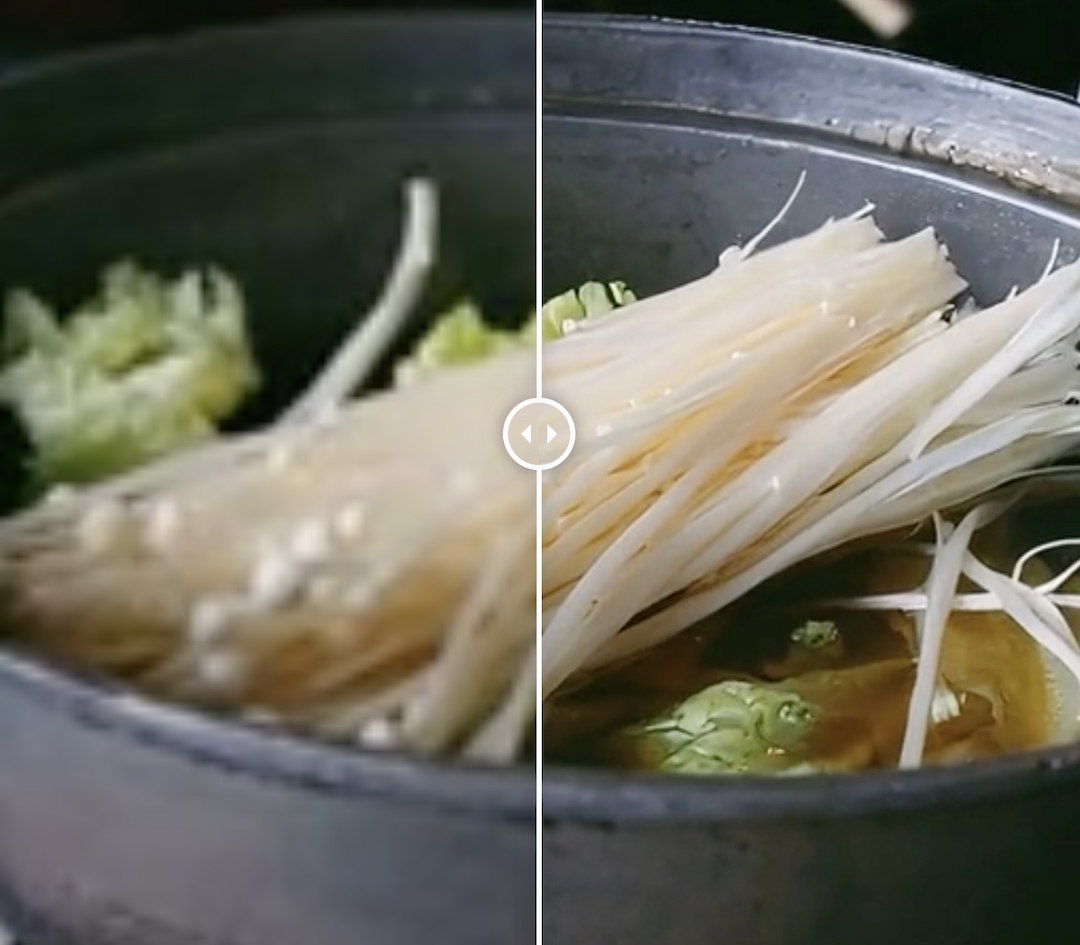
Video screenshot via VideoGigaGAN
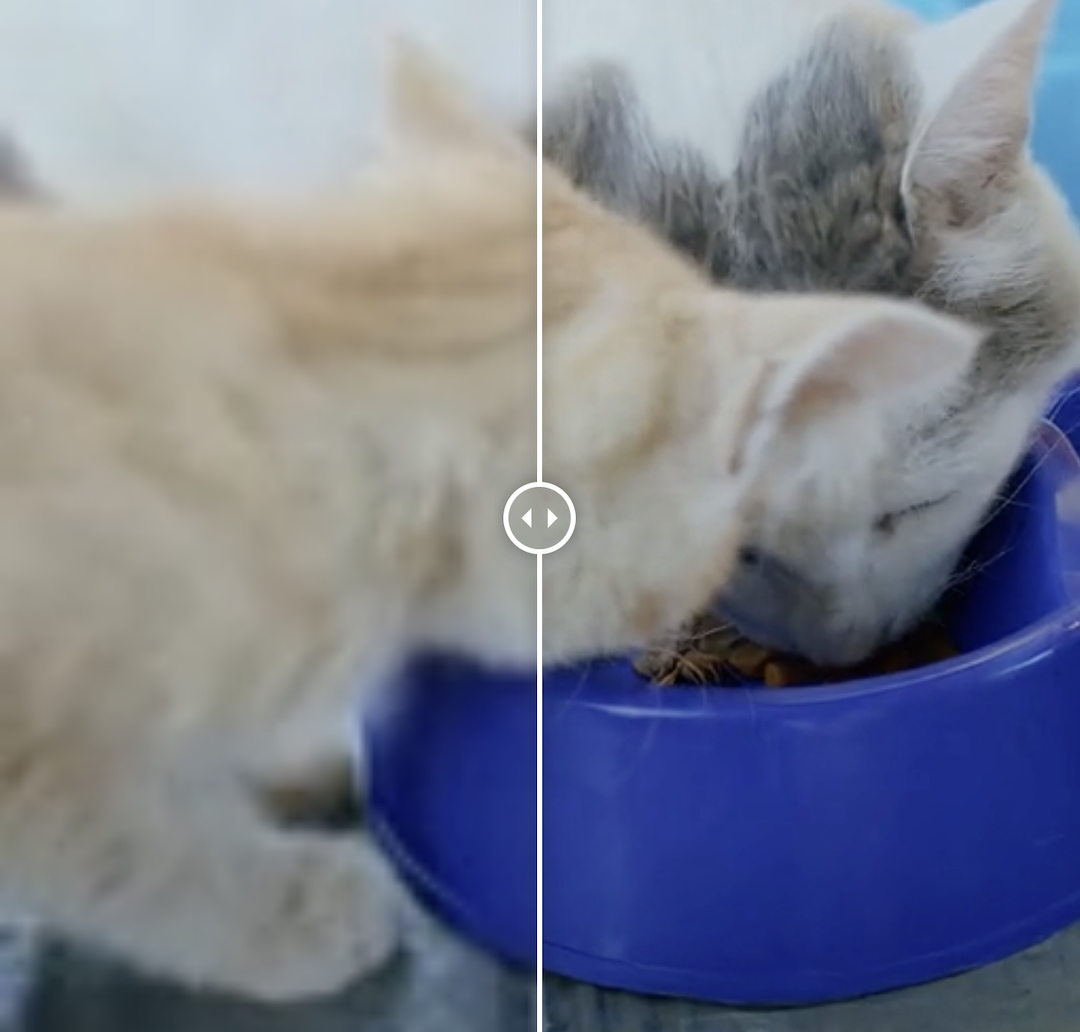
Video screenshot via VideoGigaGAN
[via Engadget, Tech Xplore, TechEBlog, videos and screenshots via VideoGigaGAN]


